Podcast show notes
Turn a long episode into source text for show notes, summaries, newsletters, and episode pages.
Transcribe podcast episodes into clean, readable text.
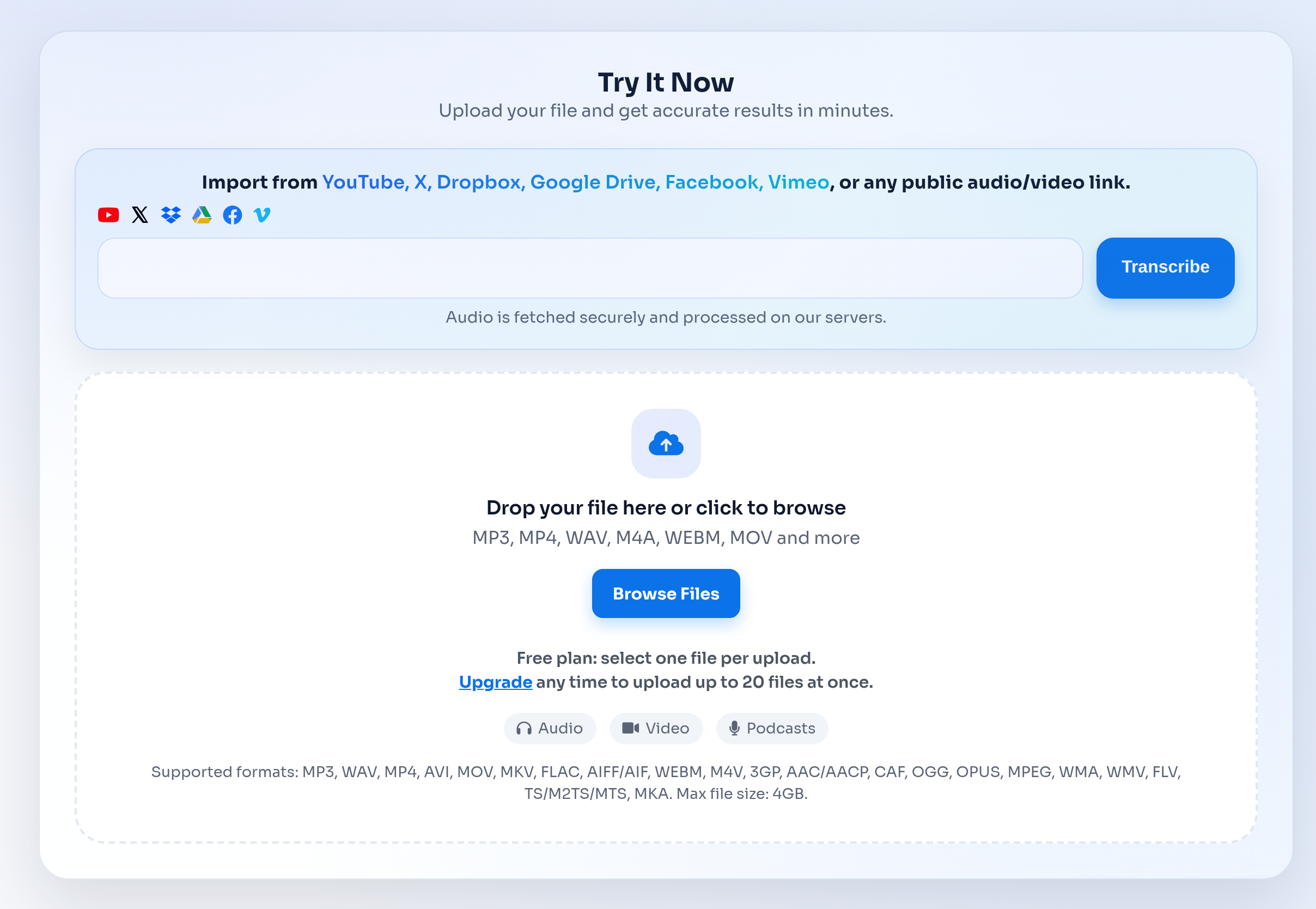
Upload your file and get accurate results in minutes.
Podcast transcription for episodes, show notes, and SEO-friendly archives.
Upload MP3 or M4A and get accurate text in minutes.
Generate SRT subtitles, add timestamps, and repurpose content quickly.
Specific workflows for teams, creators, researchers, educators, and operations users.
Turn a long episode into source text for show notes, summaries, newsletters, and episode pages.
Publish readable transcripts so Google and listeners can find names, topics, quotes, and recurring themes.
Export SRT for YouTube clips, video podcast segments, short-form edits, and accessible playback.
From upload to transcript export without manual copy-paste cleanup.
Add MP3, M4A, WAV, MP4, or video podcast files up to 4 GB. The workflow is built for finished recordings and post-production files.
Scan timestamps, guest sections, sponsor reads, topic changes, and quotable moments before publishing or repurposing content.
Download TXT or DOCX for editing, SRT for video clips, and timed text for detailed episode review.
Podcast teams usually need both editable text and subtitle files, especially when one episode becomes several content assets.
Max upload size
Up to 4 GB per file.
Free allowance
Free users can upload up to 3 files per day, with a 30-minute duration limit per file.
Paid workflow
Unlimited plans support longer files and batch uploads for heavier transcription work.
The podcast workflow starts with a finished episode file and ends with editable transcripts, caption files, and source text for repurposing.
Transcription often involves client calls, internal meetings, interviews, or class material. These pages should make the handling model clear before users upload.
Compare a file-first transcription workflow with manual editing and broader audio editing suites.
| Feature | TranscribeText | Typical alternatives |
|---|---|---|
| Recorded file uploads | Upload MP3, MP4, M4A, WAV, MOV, WebM, and other common audio/video files. | Some tools focus on live meeting capture or require a platform-specific workflow. |
| Export formats | TXT, SRT, DOCX, timed TXT, and speaker-labeled outputs when available. | Export options vary by provider and plan. |
| Async review | Start a transcription job, leave the page, and return to history when the transcript is ready. | Manual workflows often require waiting, copying, and reformatting. |
| Content repurposing | Useful for show notes, blog drafts, pull quotes, captions, and searchable archives. | Audio editing suites may include transcription but can add extra steps for simple transcript export. |
Everything you need to know about Podcast Transcription that turns episodes into readable stories..
Yes. Upload MP3, M4A, WAV, MP4, or other common audio/video files and TranscribeText will generate a readable episode transcript.
Yes. TXT and DOCX work well for editing and publishing, while SRT is useful for video podcast captions and social clips.
Speaker labels are available for supported workflows and help separate host, guest, and panel discussion sections.
Yes. A published transcript can make episode topics, guest names, quotes, and long-tail terms easier for search engines and listeners to discover.
TranscribeText supports files up to 4 GB. Free users can test short episodes within the free duration and daily upload limits.
Explore other transcription workflows that pair well with Podcast Transcription that turns episodes into readable stories..