What is audio to text?
Audio to text is the process of turning recorded speech into written words that you can search, edit, share, summarize, or publish.
TranscribeText is built for uploaded files rather than live dictation, so you can convert saved meetings, lectures, interviews, podcasts, voice notes, webinars, and video audio into transcripts.
- Use it when you already have a recorded audio or video file.
- Review the transcript with timestamps and speaker labels when available.
- Export text files for notes, captions, documentation, research, or content repurposing.
Supported audio and video formats
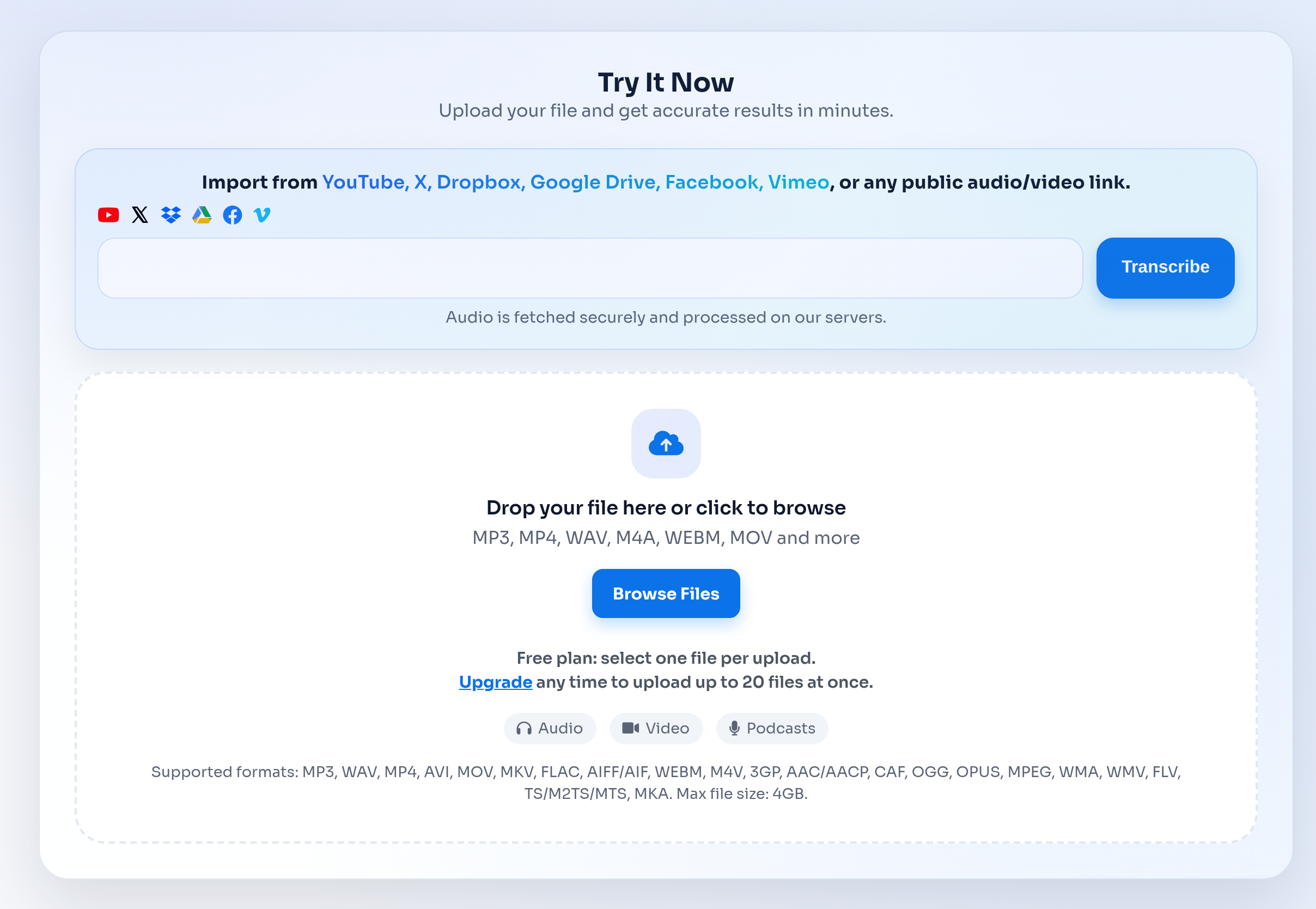
The converter accepts common audio and video formats so you do not need to manually convert files before transcription.
Supported uploads include MP3, WAV, M4A, MP4, FLAC, OGG, WebM, MOV, and other browser-compatible recordings.
- MP3 works well for podcasts, calls, interviews, and compressed recordings.
- M4A is common for iPhone Voice Memos and mobile recording apps.
- MP4, MOV, and WebM are useful when the transcript supports captions or video publishing.
Free limits and when to upgrade
Free users can test the workflow with short recordings before committing to a paid plan.
Upgrade when you need longer files, more daily uploads, batch transcription, or a repeated workflow for teams and content operations.
- Free users can upload up to 3 files per day.
- Free files have a 30-minute duration limit per file.
- Unlimited plans support heavier transcription work and longer recordings.
What affects transcription accuracy?
Accuracy depends on the recording more than the file extension. Clear speech, stable volume, and low background noise usually produce better transcripts.
For technical topics, names, and product terms, review the transcript before publishing or sharing externally.
- Record close to the speaker and avoid echo when possible.
- Reduce background music, side conversations, and overlapping speakers.
- Use the original high-quality file instead of a heavily compressed copy.
Audio to Text vs Speech to Text vs Transcription
People often use these terms together, but they describe slightly different search intents.
Audio to text usually means converting an existing audio file. Speech to text can also describe live dictation. Transcription is the broader workflow of creating, reviewing, and exporting a written record.
- Choose Audio to Text when you have a saved recording to upload.
- Choose Speech to Text when you are comparing voice recognition or dictation workflows.
- Choose transcription when you need a complete transcript with exports, timestamps, and review.
Common audio to text use cases
Audio to text is useful anywhere spoken information needs to become searchable, editable, or reusable.
Teams use transcripts for meeting notes, researchers use them for interviews, educators use them for lectures, and creators use them for podcasts, subtitles, and content repurposing.
- Meetings: capture decisions, action items, and discussion context.
- Lectures: turn class recordings into searchable study notes.
- Podcasts and interviews: create show notes, quotes, captions, and archives.