M4A to Text Converter — Convert M4A Audio Files to Text Online

Convert M4A to text with AI — upload iPhone voice memos, mobile recordings, or any M4A file and get an accurate transcript in minutes. Free for files up to 30 minutes.

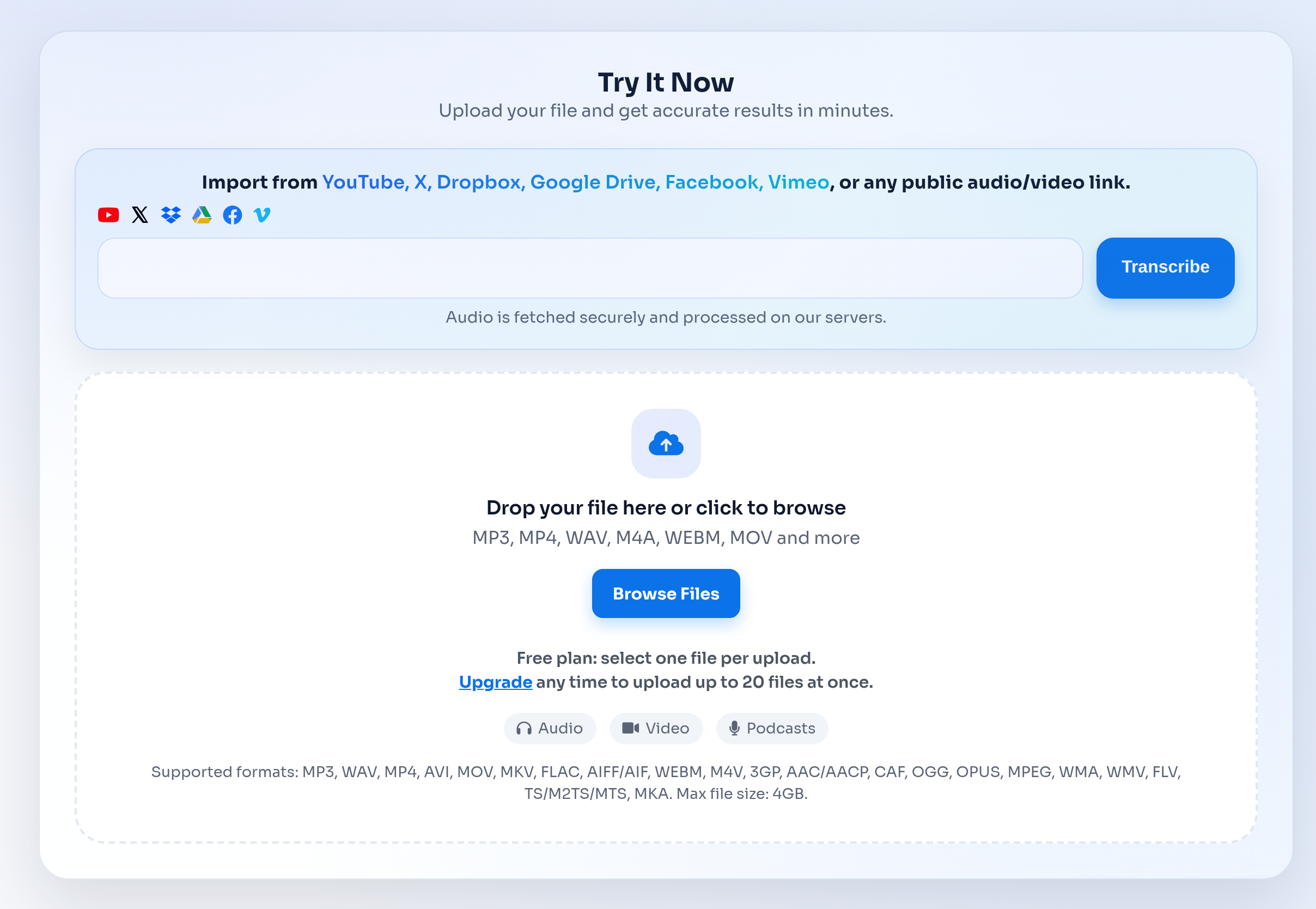
Try It Now

Upload your file and get accurate results in minutes.

Import from YouTube, X, Dropbox, Google Drive, Facebook, Vimeo, or any public audio/video link.
Audio is fetched securely and processed on our servers.

Drop your file here or click to browse

MP3, MP4, WAV, M4A, WEBM, MOV and more

Free plan: select one file per upload.
Upgrade any time to upload up to 20 files at once.
Audio Video Podcasts

Supported formats: MP3, WAV, MP4, AVI, MOV, MKV, FLAC, AIFF/AIF, WEBM, M4V, 3GP, AAC/AACP, CAF, OGG, OPUS, MPEG, WMA, WMV, FLV, TS/M2TS/MTS, MKA. Max file size: 4GB.

Uploading... 0%
You can now leave or close this page. Your transcript will be available in the history section.
Uploading Your File
0 MB/s
Upload Speed
0 MB
Uploaded
0 MB
Total Size
--
Time Left
Preparing upload...
0 Processing Time
0 Text Segments

About M4A to Text Conversion

M4A to text converts iPhone voice memos, mobile recordings, and M4A audio files into editable transcripts. Upload an M4A file and get a complete text transcript with punctuation, paragraph breaks, and optional timestamps.

The AI transcription engine processes your M4A file and returns accurate text in minutes. Converting M4A to text works natively with iPhone Voice Memos — no format conversion or extra software needed. Simply upload the M4A file directly from your phone or computer.

Export your M4A transcript to TXT for notes, SRT for captions, or DOCX for editing. Translate M4A transcripts into 100+ languages for international sharing and collaboration.

Built for this transcription workflow

Use this free M4A to text converter to transcribe iPhone voice memos, mobile interviews, class recordings, meeting audio, and any M4A file to text online.

Detailed guide

Practical details to help you choose the right transcription workflow before uploading a file.

What is M4A to text?

M4A to text is the process of converting an M4A audio file into an editable, searchable transcript. M4A is the default format for iPhone Voice Memos, Apple devices, mobile recording apps, and compressed meeting audio.

This M4A to text converter handles the conversion automatically — upload the file, and the AI returns a complete transcript with punctuation and optional timestamps.

  • Convert iPhone voice memos, mobile interviews, quick notes, and class recordings to text.
  • Export transcripts as TXT for notes, SRT for captions, or DOCX for editing.
  • Clear speech, steady volume, and limited background noise improve transcript accuracy.

How to prepare an M4A recording

To convert M4A to text, upload your M4A file using the form above. The AI transcription engine processes the audio and returns a text transcript you can review, edit, and export.

If the recording has several speakers, the transcript preserves turn-taking so speaker labels and timestamps are easier to review.

  • Keep the microphone close to the speaker when recording on a phone.
  • Avoid music or background conversations when accuracy matters.
  • Rename files with a useful topic or date before uploading long batches.

M4A exports and next steps

After converting M4A to text, export the transcript as TXT for plain notes, DOCX for editing, SRT for video captions, or timed text when you need to review specific moments in the recording.

For other audio formats like MP3, WAV, or MP4, use the main Audio to Text page — the same AI converter handles all common audio and video file types.

  • TXT — lightweight notes and full-text search.
  • DOCX — editing, review, or client handoff.
  • SRT — captions when the M4A supports a video, course, or podcast workflow.
Common ways people use M4A to Text Conversion

Specific workflows for teams, creators, researchers, educators, and operations users.

iPhone voice memos to text

Convert iPhone voice memos from M4A to text — turn quick mobile recordings, field notes, and voice messages into searchable transcripts.

Interview M4A files to text

Convert interview recordings saved as M4A to text. Works for customer calls, journalism recordings, research interviews, and hiring conversations.

Lecture recordings to text

Convert M4A class and lecture recordings to text for study notes, searchable references, and shareable summaries.

How the workflow works

From upload to transcript export without manual copy-paste cleanup.

Upload your M4A file

Add an M4A file from iPhone Voice Memos, a mobile recorder, a meeting app, or another audio source. Free users can convert M4A files up to 30 minutes.

Convert M4A to text

The AI engine converts M4A audio to text with punctuation, timestamps, and speaker labels when available.

Export the transcript

Download TXT, DOCX, or SRT depending on whether you need notes, editable documents, or video captions.

M4A upload limits and export formats

M4A files are usually compact, but long mobile recordings still need clear limits, privacy handling, and export choices before you convert M4A to text.

Max upload size

Up to 4 GB per file.

Free allowance

Free users can upload up to 3 files per day, with a 30-minute duration limit per file.

Paid workflow

Unlimited plans support longer files and batch uploads for heavier transcription work.

Available export formats

TXT SRT DOCX Timed TXT Speaker TXT
TranscribeText product workflow preview showing file upload and transcription features

A real file-to-transcript workflow

The M4A workflow uses the same file upload, transcript review, and export path as the main audio transcription workflow.

  • Upload audio or video files directly from your browser.
  • Review clean transcript text with timestamps and speaker options.
  • Export TXT, SRT, DOCX, and timed text outputs when the job is complete.

Privacy handling for uploaded recordings

Transcription often involves client calls, internal meetings, interviews, or class material. These pages should make the handling model clear before users upload.

  • Uploaded media is processed to generate transcripts and downloadable output files.
  • Uploaded media is automatically deleted from the processing environment shortly after transcripts are generated.
  • Transcript outputs remain available in the user dashboard until the user deletes them or requests removal.
  • TranscribeText applies encryption in transit and at rest, segregated processing queues, and restricted production access.

M4A to text converter comparison

Use a dedicated M4A to text converter when your recordings come from iPhones or Apple devices, and use the main converter for mixed file types.

Feature TranscribeText Typical alternatives
Recorded file uploads Upload MP3, MP4, M4A, WAV, MOV, WebM, and other common audio/video files. Some tools focus on live meeting capture or require a platform-specific workflow.
Export formats TXT, SRT, DOCX, timed TXT, and speaker-labeled outputs when available. Export options vary by provider and plan.
Async review Start a transcription job, leave the page, and return to history when the transcript is ready. Manual workflows often require waiting, copying, and reformatting.
M4A-specific fit Works well for iPhone Voice Memos, mobile interviews, lectures, and compressed audio files. Generic file converters may not explain transcript exports, timestamps, or speaker review clearly.

Frequently Asked Questions

Everything you need to know about M4A to Text Converter — Convert M4A Audio Files to Text Online.

How do I convert M4A to text?

Upload your M4A file using the form on this page. The AI converts the M4A audio to text automatically and returns a transcript you can review, edit, and export as TXT, DOCX, or SRT.

Is this M4A to text converter free?

Yes. Free users can convert M4A files up to 30 minutes long, up to 3 files per day. Premium users get unlimited conversions and longer file support.

Can I convert iPhone Voice Memos to text?

Yes. iPhone Voice Memos are saved as M4A files. Upload the M4A file directly and the converter transcribes it to text in minutes.

Does M4A to text work for interviews and lectures?

Yes. The M4A to text converter handles interviews, lectures, meetings, field notes, voice memos, and any spoken audio saved in M4A format.

Can I convert M4A to text with timestamps?

Yes. Export as SRT to get timestamps with every line of text, or use the timed-text view to jump to specific moments in the recording.

What if I have MP3, WAV, or MP4 instead of M4A?

Use the main Audio to Text page for other audio and video formats including MP3, WAV, MP4, FLAC, WebM, and MOV.

Related Use Cases

Explore other transcription workflows that pair well with M4A to Text Converter — Convert M4A Audio Files to Text Online.