Team meetings
Create a written record for weekly syncs, standups, product reviews, retrospectives, and planning sessions.
Turn meetings into clear, shareable transcripts.
Upload your file and get accurate results in minutes.
Meeting transcription that captures decisions, action items, and key points.
Upload Zoom, Teams, or in-room recordings and get structured text fast.
Label speakers, add timestamps, and export to TXT or SRT for sharing.
Specific workflows for teams, creators, researchers, educators, and operations users.
Create a written record for weekly syncs, standups, product reviews, retrospectives, and planning sessions.
Keep client conversations searchable so account teams can find requirements, approvals, objections, and next steps.
Use the transcript to pull decisions, owners, blockers, and follow-up tasks into your project management system.
From upload to transcript export without manual copy-paste cleanup.
Add a Zoom, Teams, Meet, MP3, M4A, MP4, or WAV recording up to 6 GB. Free users can test short meetings before moving larger workloads to a paid plan.
Turn long discussions into readable transcript sections with timestamps and optional speaker labels for decisions, blockers, and follow-up context.
Download TXT for knowledge bases, DOCX for shared meeting notes, SRT for recorded webinars, or timed text for review workflows.
Meeting recordings often need to be shared as notes, archived as text, or captioned for people who missed the call.
Max upload size
Up to 6 GB per file.
Free allowance
Free users can upload up to 3 files per day, with a 30-minute duration limit per file.
Paid workflow
Unlimited plans support longer files and batch uploads for heavier transcription work.
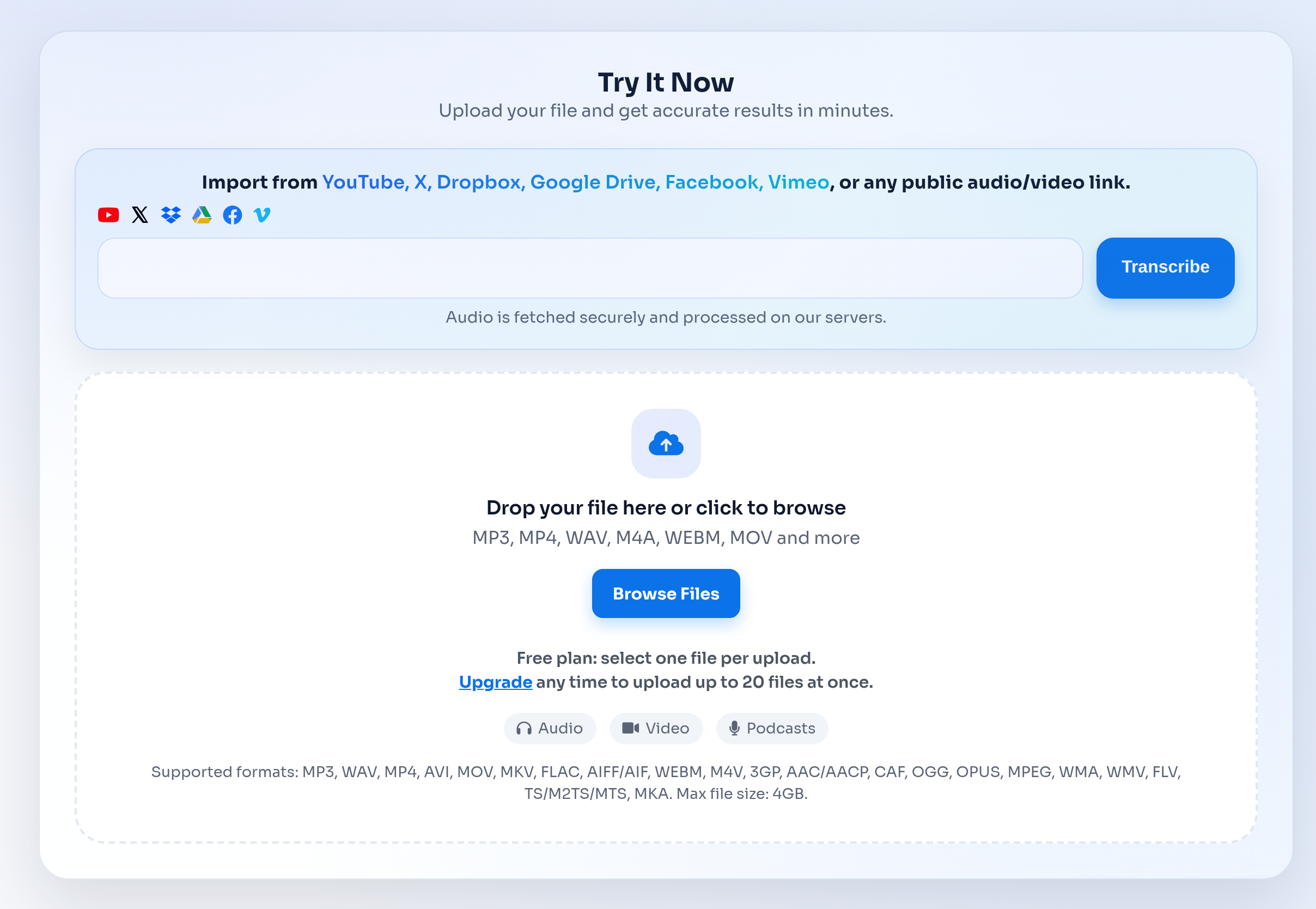
The meeting workflow keeps upload, transcript review, and export in one place so your team does not need a live meeting bot to turn recordings into notes.
Transcription often involves client calls, internal meetings, interviews, or class material. These pages should make the handling model clear before users upload.
Choose the workflow that matches how your team records and reviews meetings.
| Feature | TranscribeText | Typical alternatives |
|---|---|---|
| Recorded file uploads | Upload MP3, MP4, M4A, WAV, MOV, WebM, and other common audio/video files. | Some tools focus on live meeting capture or require a platform-specific workflow. |
| Export formats | TXT, SRT, DOCX, timed TXT, and speaker-labeled outputs when available. | Export options vary by provider and plan. |
| Async review | Start a transcription job, leave the page, and return to history when the transcript is ready. | Manual workflows often require waiting, copying, and reformatting. |
| Best fit | Teams with saved meeting recordings that need searchable notes and export files. | Live meeting assistants may be better when you need automatic attendance in every call. |
Everything you need to know about Meeting Transcription that turns discussions into clear notes..
Yes. Download the meeting recording from Zoom, Teams, Google Meet, or another meeting tool, then upload the audio or video file to TranscribeText.
Speaker labeling is available for supported workflows and is useful for meetings, interviews, and panel discussions where multiple people speak.
Yes. Finished transcripts can be exported as TXT, SRT, DOCX, timed TXT, and speaker-labeled text outputs when available.
TranscribeText supports files up to 6 GB. Free users can upload up to 3 files per day with a 30-minute duration limit per file.
Uploaded media is processed for transcription and automatically deleted from the processing environment shortly after transcripts are generated. Transcript outputs stay in your dashboard until you delete them or request removal.
Yes. The transcript gives you a searchable record of the meeting so you can extract decisions, owners, blockers, and follow-up tasks.
Explore other transcription workflows that pair well with Meeting Transcription that turns discussions into clear notes..