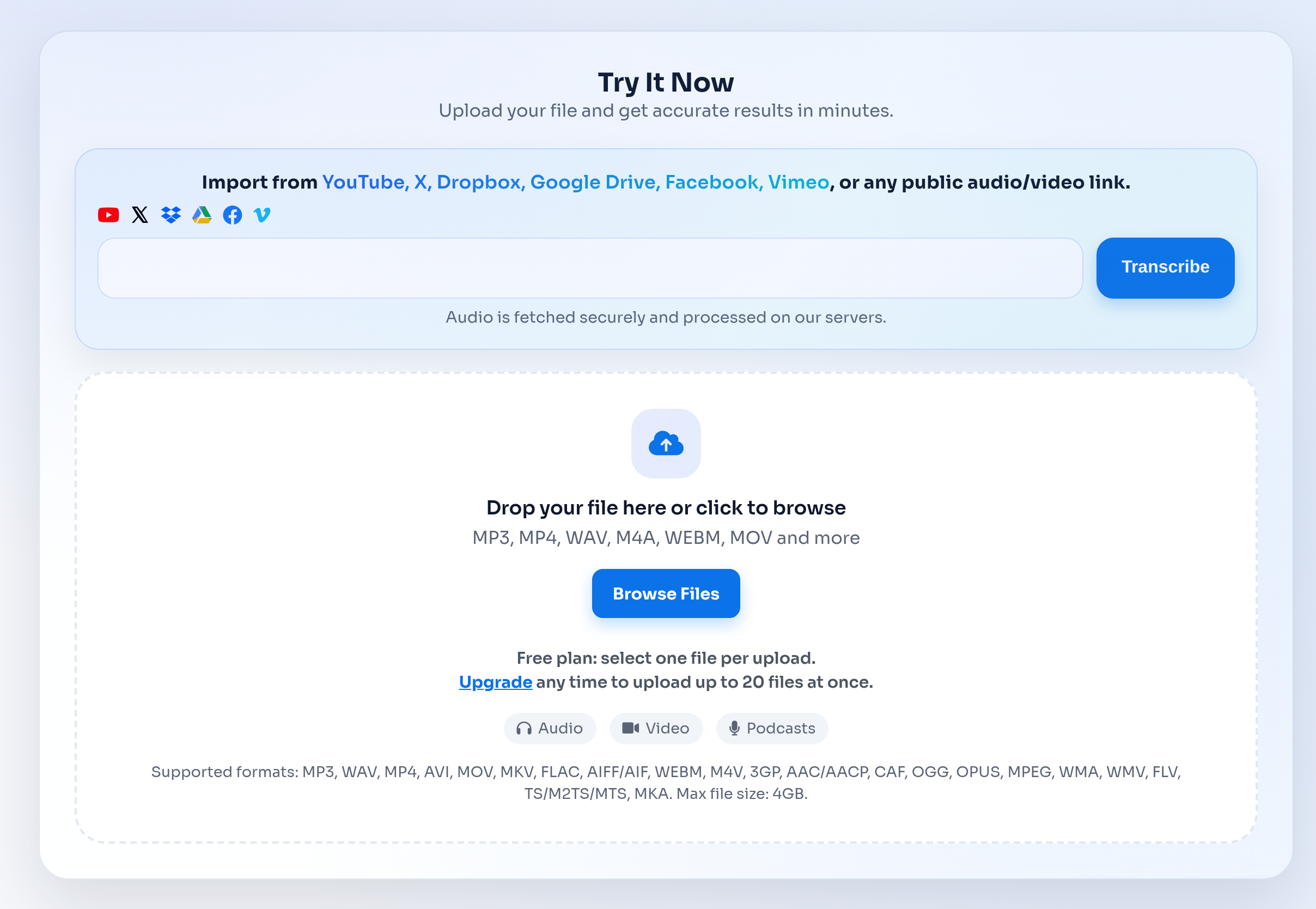
What can you do with the free audio to text converter?
The free converter is designed for short recordings, quick transcript tests, and users who want to check output quality before upgrading.
It uses the same upload and review workflow as the main audio transcription workflow, but the free plan has tighter daily and duration limits.
- Transcribe voice notes, meeting clips, lecture samples, interviews, and short podcast segments.
- Export transcript text for notes, captions, summaries, and quick review.
- Move to the main audio to text workflow when you need longer files or repeated uploads.
Free plan limits
Free transcription is useful for testing real files instead of judging a tool from screenshots or sample transcripts.
For ongoing projects, team workflows, or long recordings, a paid plan is better because it removes the short-file constraint.
- Free users can upload up to 3 files per day.
- Each free file can be up to 30 minutes long.
- Files can be exported as TXT, DOCX, SRT, or timed text when available.
When to use the main Audio to Text page instead
Use the main Audio to Text page when your search intent is broader than a free trial, especially if you need format coverage, workflow comparisons, and use case guidance.
The free page should support trial intent, while the main page should remain the central hub for audio to text searches.
- Use Audio to Text for MP3, WAV, M4A, MP4, FLAC, WebM, MOV, and mixed uploads.
- Use the free page for short tests and first-time quality checks.
- Use paid plans when transcription becomes a recurring workflow.