Zoom webinars
Create transcripts and SRT subtitle files for webinars, demos, and training sessions after the recording is saved.
Upload Zoom recordings and get structured transcripts fast.
Upload your file and get accurate results in minutes.
Convert Zoom recordings to text for searchable meeting notes.
Label speakers, add timestamps, and capture key decisions.
Export to TXT or SRT to share with teammates or clients.
Specific workflows for teams, creators, researchers, educators, and operations users.
Create transcripts and SRT subtitle files for webinars, demos, and training sessions after the recording is saved.
Review objections, requirements, buying signals, and follow-up commitments from recorded Zoom calls.
Turn Zoom class recordings into searchable lecture notes that students or educators can revisit.
From upload to transcript export without manual copy-paste cleanup.
Export the recording from Zoom as MP4 or M4A, then upload it to TranscribeText from your browser.
AI turns the recording into readable text with timestamps and speaker options for easier review after the meeting.
Export TXT for internal notes, DOCX for clients, SRT for webinar captions, or timed text for detailed review.
Zoom recordings can become team notes, client recaps, searchable archives, or subtitle files depending on the export you choose.
Max upload size
Up to 4 GB per file.
Free allowance
Free users can upload up to 3 files per day, with a 30-minute duration limit per file.
Paid workflow
Unlimited plans support longer files and batch uploads for heavier transcription work.
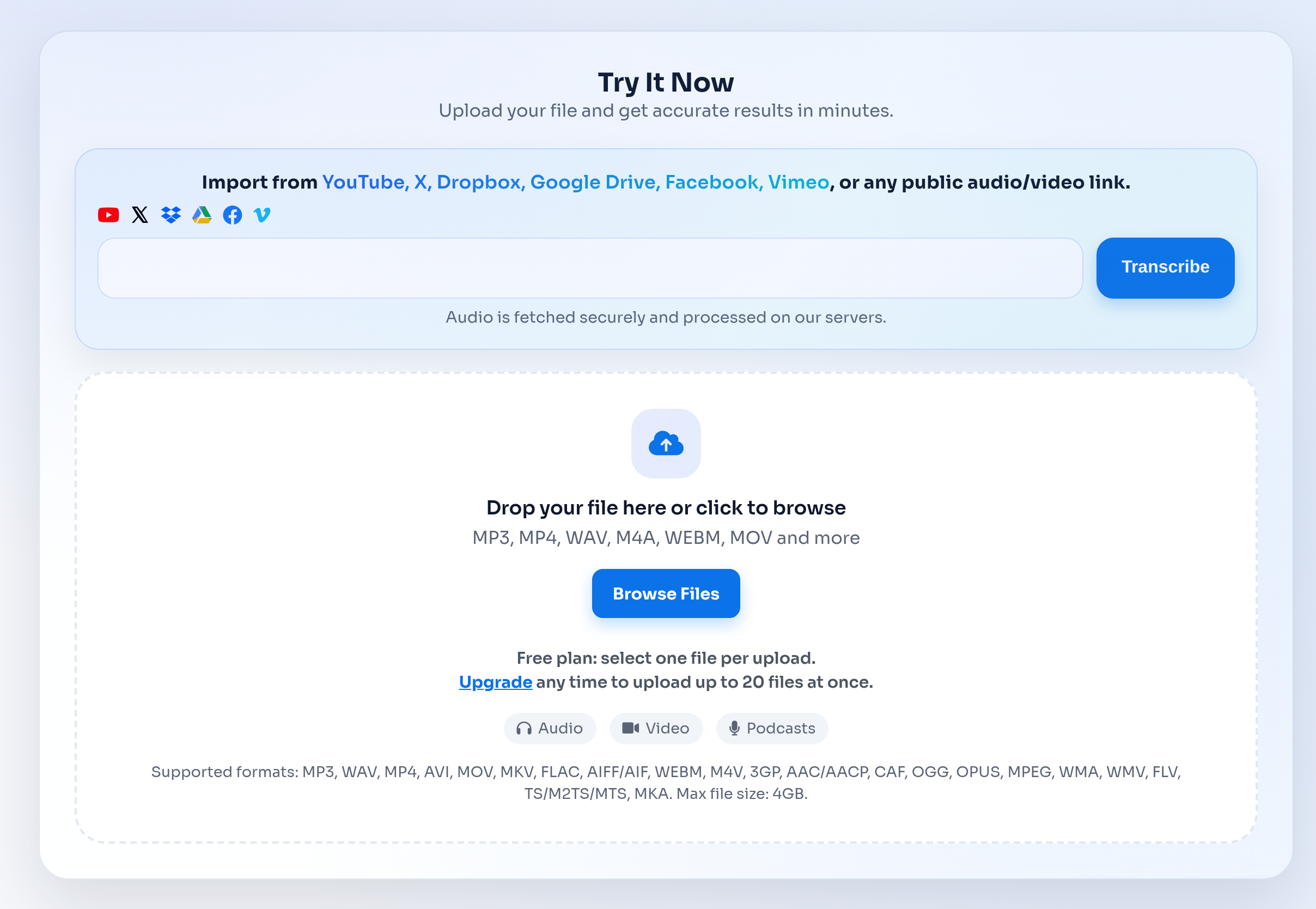
Upload the saved Zoom file, review the generated transcript, then export the transcript in the format your team uses.
Transcription often involves client calls, internal meetings, interviews, or class material. These pages should make the handling model clear before users upload.
A recorded-file workflow is useful when you already have the Zoom recording and need output files after the call.
| Feature | TranscribeText | Typical alternatives |
|---|---|---|
| Recorded file uploads | Upload MP3, MP4, M4A, WAV, MOV, WebM, and other common audio/video files. | Some tools focus on live meeting capture or require a platform-specific workflow. |
| Export formats | TXT, SRT, DOCX, timed TXT, and speaker-labeled outputs when available. | Export options vary by provider and plan. |
| Async review | Start a transcription job, leave the page, and return to history when the transcript is ready. | Manual workflows often require waiting, copying, and reformatting. |
| Live call attendance | No live bot is required; upload the saved recording after the call. | Live assistants may join meetings automatically but can be visible to participants. |
Everything you need to know about Zoom Recording to Text that turns meetings into clear notes..
Download the Zoom recording as MP4 or M4A, upload it to TranscribeText, wait for AI processing, then export the transcript as TXT, SRT, DOCX, or timed text.
No. TranscribeText works with saved recordings, so you can transcribe the file after the meeting without adding a live assistant to the call.
Yes. After transcription, export SRT subtitles for webinar recordings, training videos, and other published Zoom content.
Files up to 4 GB are supported. Free users have a 30-minute duration limit per file and a daily upload allowance.
Yes. DOCX and TXT exports work well for client recaps, while SRT works for captions and video publishing.
Explore other transcription workflows that pair well with Zoom Recording to Text that turns meetings into clear notes..